Start with the problem you actually notice. If you miss dialogue, look at reading or sound first. If turning a corner in a car makes the view hard to follow, test the vehicle camera before changing aim. This is a practical way to use the settings menu, not a promise that one setup works for everyone.
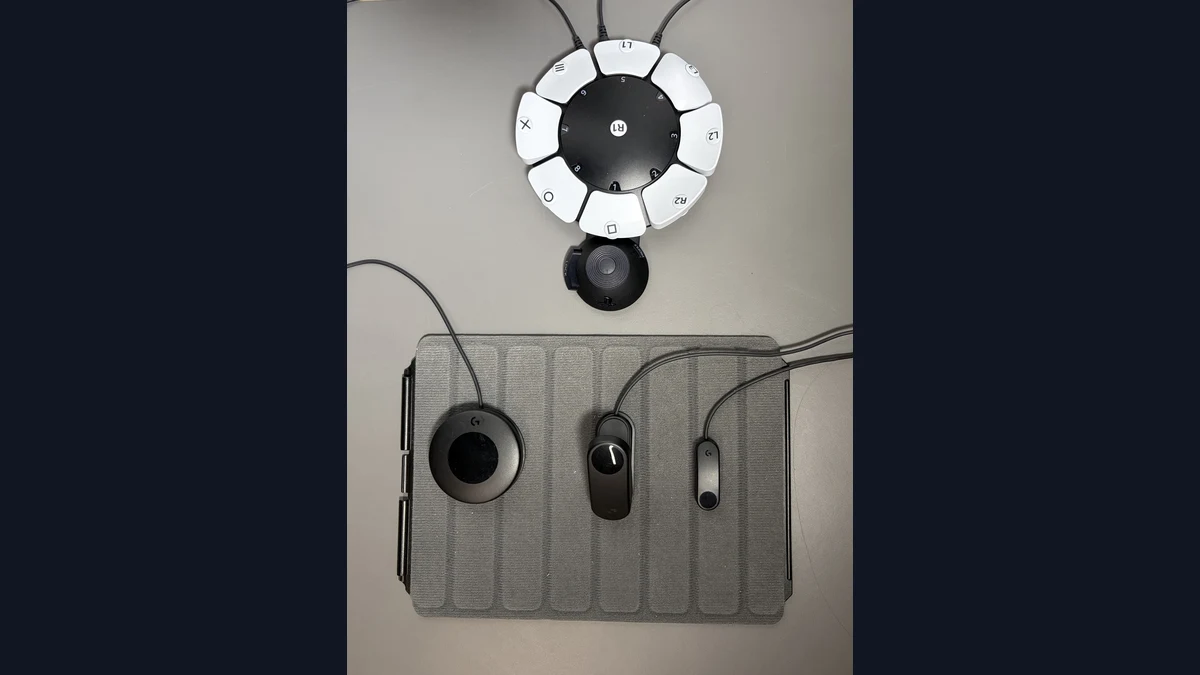
Name the problem before opening the menu
Rockstar directs players to pause the game and select Settings. Its official settings guide, updated November 18, 2026, documents groups of settings, not every toggle or value. Treat the descriptions here as signposts. If your console uses another language, check the actual labels on-screen rather than looking for a word-for-word match.
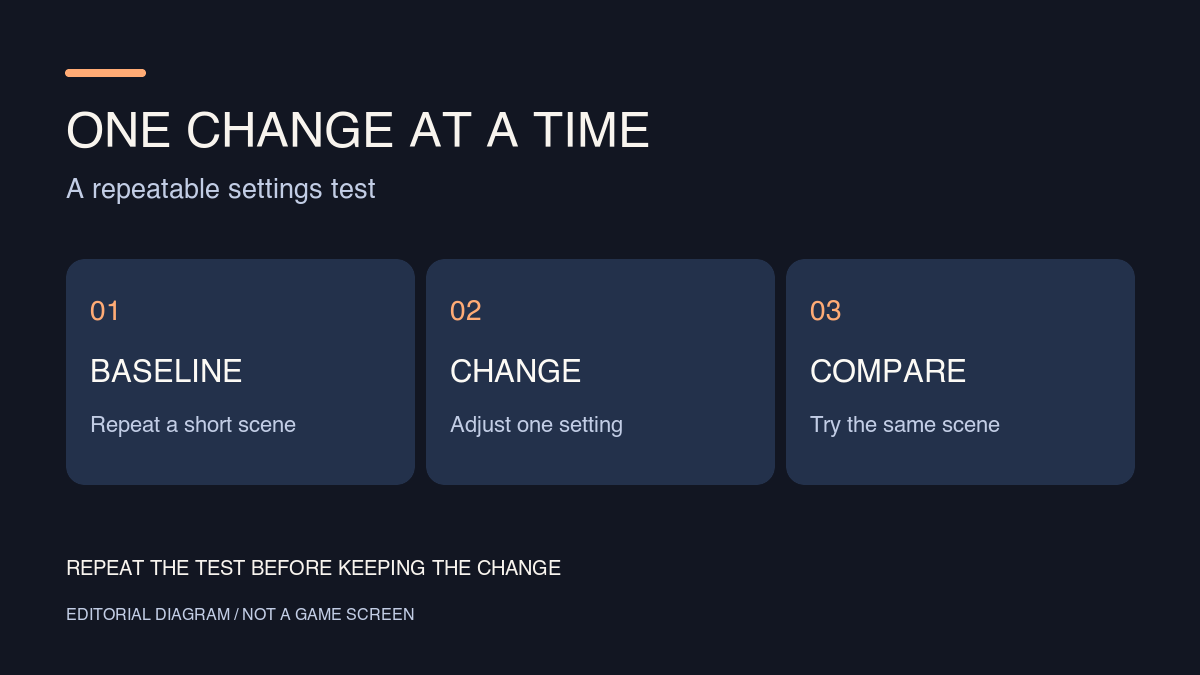
Write down what you want to change in one line: “I miss the end of a subtitle,” “I lose my bearings when the car turns,” or “I move the aim past the point I want.” This gives you a result you can compare. Five changes may make the game feel different without telling you which one helped. Choose a simple moment you can repeat without needing to advance the story. Observe what happens before changing anything; without that baseline, it is too easy to mistake a different scene for a better setting.
Read from your usual seat, not next to the screen
Rockstar puts scaling and readability, subtitles and captions under the interface settings. Start from where you normally sit. When a line appears, try reading it without taking your attention off the rest of the screen for too long. Then compare a brighter background or a stretch with more movement. A line that is easy to read while standing still may be harder to follow while driving.
Separate three potential problems: text that looks unclear, text that is too small and too much information competing for attention. If everything on-screen looks unclear, do not assume the subtitles are the only issue. If the letters are hard to see from your seat, the readability group is a sensible starting point. If instructions, prompts or notifications pull your eyes away, check those interface groups separately. Change one thing and repeat the comparison. PlayStation lists the supported PS5 text and voice languages; the language of the text and the language of the voices are separate questions.
Make a separate test for contrast and sound
Rockstar lists high-contrast options under display and volume and narration under audio. These address different problems. If an indicator blends into the scenery, compare a bright area and a dark one. A change that helps only against a bright backdrop may not help in the situation you care about. If speech becomes hard to follow when the scene gets noisy, turn to audio and compare it on what you use to play: the television, headphones or another device.
Try one exchange you can already follow and one where you miss words. That contrast is more useful than making the first exchange louder and declaring the job done. You can use text and sound together: captions can back up a line you missed, even if you prefer listening. The official guide identifies the relevant groups; it does not guarantee how a particular room, device or mix will sound.
Treat the camera on foot and in vehicles as different tests
Rockstar lists separate camera groups for on-foot movement, different kinds of vehicles, comfort and other situations. If the view bothers you only in a car, start with the group for vehicles. Compare a straight counterexample with a turn and a stop. If the troublesome motion happens halfway through a turn, testing only a straight road will not tell you much. On foot, walk, turn a corner and stop by a landmark you can find again.
Note exactly when the view stops helping: as the turn begins, when the camera moves back or when you try to look the other way. Think in terms of that moment, not a universal comfort setting. If you feel unwell, stop rather than trying to finish the trial. These comparisons can help isolate an adjustment; they cannot guarantee a comfortable result.
Separate sensitivity from the control scheme
Rockstar places aim and look sensitivity under Controller, and layouts for particular activities under Control Scheme. Overshooting a point can be a sensitivity question; hitting the wrong control after switching activities can be a layout question. Try two short aim corrections toward the same stationary point before judging a sensitivity change. Then check a different situation, such as going from a vehicle to walking, instead of assuming a control that made sense in one place will feel as clear elsewhere.
Before using a restore option mentioned in Rockstar’s guide, make a note of the changes you want to keep. A quick photo or a line of notes is enough. That way, you can undo a bad experiment without having to build a good setup from scratch.
Rockstar Games
Change one thing at a time to test readability, sound, camera or controls.
Becoartes - Beco do Batman
99 Gonçalo Afonso Street, Vila Madalena, São Paulo