A phone or camera accepted at the entrance does not mean that recording the show is authorized. In the United States, fans should check four separate questions: whether the device may enter, whether still photos are allowed, whether video or audio recording is prohibited, and whether the artist or that particular performance has a special rule. If a general policy differs from the event page, follow the event-specific guidance and check it again close to the date.
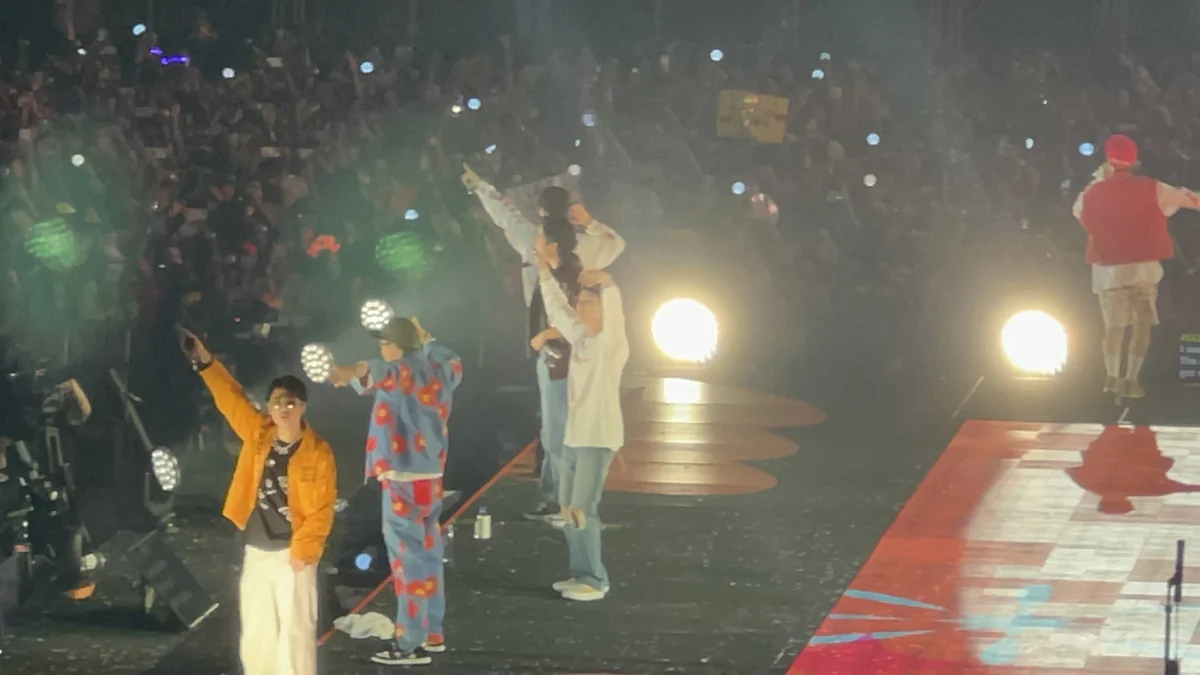
Entry, photography, and recording are separate permissions
This distinction prevents many problems. A phone may be admitted because it is used to display a mobile ticket and communicate, while recording with it remains prohibited. Likewise, a compact still camera may pass security while an interchangeable lens, tripod, or audio recorder is rejected.
Ticketmaster US tells customers to check the specific venue’s website, noting that most venues do not allow cameras or recording devices. That check is only the starting point: arenas may change their general policy at an artist’s request or for a particular event.
Still photography, video, and livestreaming should not be treated as equivalent. Permission to take a photo does not consequently authorize filming an entire song, capturing separate audio, or broadcasting the stage in real time.
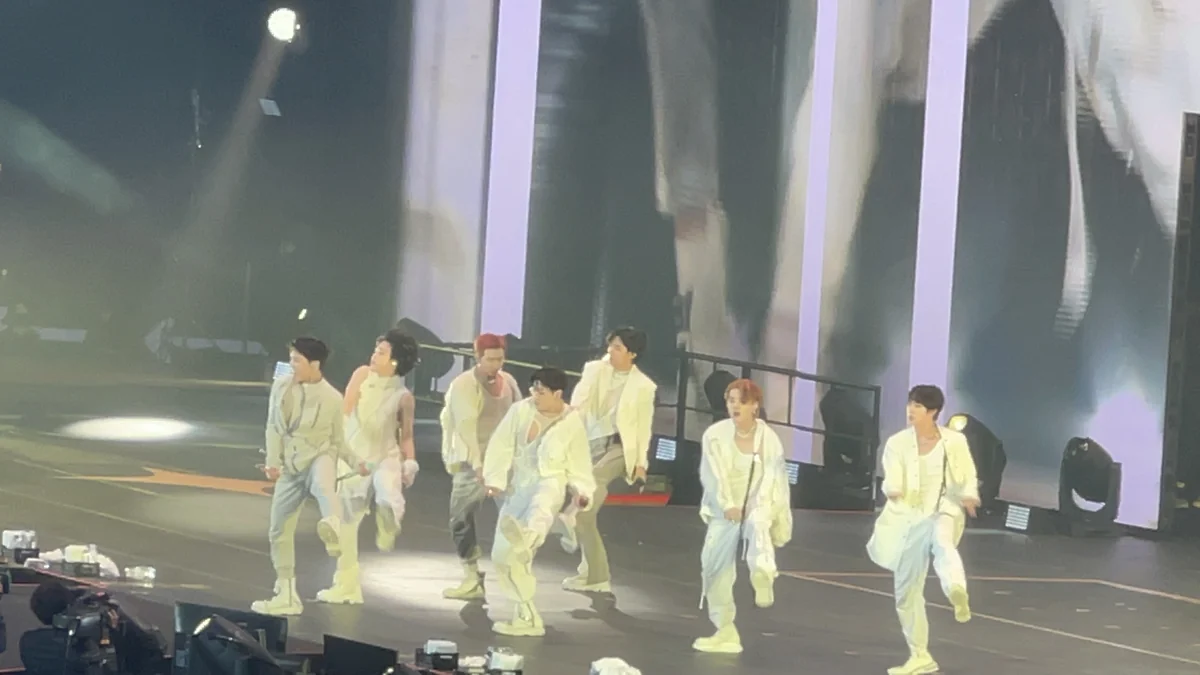
Which rule to check before the concert
Start with the official event page and look for notices labeled “event policies,” “Know Before You Go,” or information specifically addressed to ticket holders. Then compare that wording with the arena’s general policy. If the event page is more restrictive, treat it as the applicable guidance. If the language is silent or contradictory, contact the venue’s official guest service instead of relying on reports from other concerts.
Repeat the check near the performance because the arenas themselves say conditions may vary. Save the link, but do not assume that an old screenshot overrides newer directions from staff at the gate. Permitted items may still be inspected, and their use inside the venue may be limited so it does not interfere with other guests.
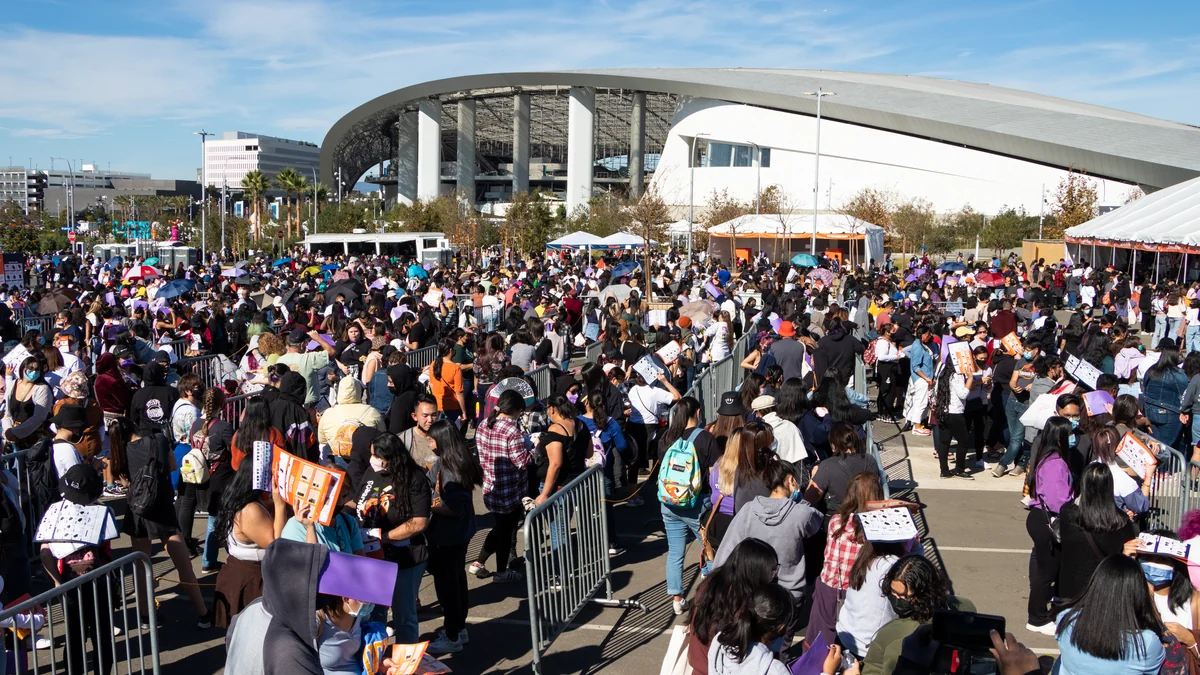
MetLife: pay attention to detachable lenses
The official MetLife Stadium guide says in its camera section that still-photography cameras with lenses up to six inches long may enter without a case, provided their use does not interfere with other guests. The same guide prohibits tripods, monopods, selfie sticks, audio recorders, GoPros, video cameras, and lenses longer than six inches. Recording event video with other devices is also prohibited.
There is, however, an inconsistency that calls for caution: the general prohibited-items list includes professional cameras and cameras with detachable lenses, even though another passage relies only on the six-inch limit. Do not interpret lens length alone as approval for a mirrorless camera or DSLR. Check the event page and its “Know Before You Go” document to confirm the type of body and lens accepted for that performance.
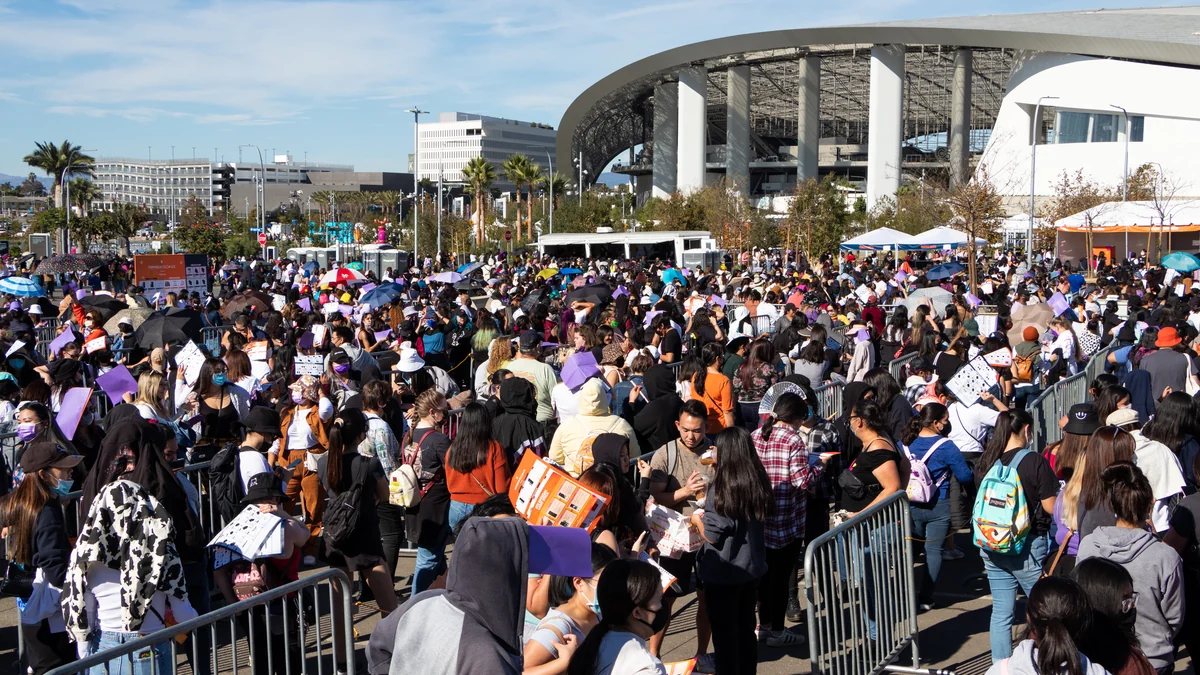
Crypto.com Arena and Kia Forum set their own limits
At Crypto.com Arena, non-flash still photography with nonprofessional equipment is allowed at most events. Cameras with interchangeable or telephoto lenses, GoPros, tripods, monopods, selfie sticks, and audio or video recorders are not permitted. The arena prohibits video recording on any device and flash photography at all times, and it notes that an artist may request a ban on every type of camera.
The bag policy also matters when carrying equipment. Bags, backpacks, clear bags, and camera cases are not accepted; wallets and small clutches under 5 × 9 × 1 inches are permitted after inspection. One important exception applies: medical and parental bags smaller than 14 × 14 × 6 inches may enter after X-ray screening.
At the Kia Forum, nonprofessional or disposable cameras may be admitted, but some performances may ban photography completely. Video cameras, recorders, GoPros, professional telephoto or zoom lenses, tripods, monopods, and selfie sticks are listed as prohibited. The venue recommends checking the event page because the list may change by show.
How to reduce the risk of being turned away
Before leaving, identify the device model, whether its lens detaches, and the dimensions of both the lens and bag. Read the camera and bag rules together: a camera allowed without a case may become impractical if its case is prohibited. Do not bring accessories “just in case” when monopods, tripods, sticks, or spare batteries appear on the prohibited list.
If the wording permits photos but bans video, disable shortcuts that could begin recording accidentally and do not livestream. During the concert, keep the flash off and avoid blocking anyone’s view. The safest approach is straightforward: carry only what the page for that event expressly authorizes and be ready to put the phone away when staff instructs you to do so.
These policies are subject to change. Check the arena’s and event’s official links before every visit; an earlier experience at the same venue does not guarantee the same rule for another artist.
Discover Becoartes
Visit [Becoartes](https://becoartes.com/) at Rua Gonçalo Afonso, 99, Vila Madalena, São Paulo.
Becoartes - Beco do Batman
99 Gonçalo Afonso Street, Vila Madalena, São Paulo
Sources and credits
- Monbmon — CC BY-SA 4.0
- Monbmon — CC BY-SA 4.0
- Ganbaruby — CC BY-SA 4.0
- Ganbaruby — CC BY-SA 4.0
- Ticketmaster US — políticas de câmeras variam conforme o evento e o local
- MetLife Stadium — regras oficiais para câmeras e gravação em vídeo
- Crypto.com Arena — política oficial de fotografia e equipamentos de gravação
- Kia Forum — política oficial para câmeras, lentes e gravadores